
Choosing the right hardwood floor is a big decision. Between wood species, plank widths, stain colors, and finishes, there are dozens of combinations to consider — and photos can only go so far.
That’s why Luxury Hardwood Flooring offers an interactive flooring visualizer tool for homeowners in Redford, MI and beyond. With just a few clicks, you can see how different floors will look in your space, helping you feel confident in your decision before installation begins.
Whether you’re remodeling a single room or upgrading your entire home, our visualizer makes it easier to explore styles, match tones, and discover the perfect hardwood or vinyl plank flooring for your interior.
— Visualizer —
Flooring Visualizer – Try Before You Install
What Is a Flooring Visualizer?
A flooring visualizer is an online tool that lets you preview different flooring products in real rooms. Using your own photo or preset room scenes, you can switch between flooring types, colors, and layouts in real time.
It’s the fastest and most user-friendly way to:
- Compare hardwood stain colors
- Visualize different plank widths and patterns
- Match flooring with wall colors and furniture styles
- Experiment with light or dark wood options
- Explore luxury vinyl plank (LVP) finishes
- Get inspired with trending flooring designs
Best of all, there’s
no app to download. You can use the tool directly from your phone, tablet, or desktop browser.
How It Works
Using the flooring visualizer is simple and intuitive — even if you’ve never used design software before. Here’s how it works:
Step 1
Upload a Photo of Your Room
Take a clear photo of the room you plan to renovate — such as your living room, bedroom, or kitchen — and upload it directly into the visualizer. This lets you see flooring options in your actual space.
No photo? No problem. You can also select from a variety of preset room scenes (living rooms, hallways, dining rooms, etc.) to simulate different styles and layouts.
Step 2
Choose Your Flooring Type
Browse our catalog of available flooring styles. Options include:
- Solid hardwood flooring
- Engineered hardwood
- Luxury vinyl plank (LVP)
- Light, medium, and dark tones
- Smooth or textured finishes
- Wide plank or traditional widths
Click on any style to instantly preview it in the room.
Step 3
Experiment with Styles
Try different looks without the commitment. You can quickly switch between:
- Wood species (oak, maple, hickory, walnut)
- Stain colors (natural, grey, espresso, golden tones)
- Finish options (matte, satin, gloss)
- Plank width and layout
Use the zoom and rotate tools to view close-ups and angles.
Step 4
Save and Share Your Favorites
Once you find a few options you love, save the images or share them with family, friends, or our team during your consultation. We can help you match your favorite visualizer look with real samples and products we carry.
Benefits of Using Our Visualizer
Make Faster, Smarter Decisions
Skip the guesswork. Instead of imagining how a stain will look in your home, you’ll see it clearly on your screen — with your lighting, layout, and furnishings.
Reduce Design Stress
Choosing flooring shouldn’t feel overwhelming. With the visualizer, you can quickly narrow down your options and move forward with confidence.
Try Out Bold Ideas
Want to test a rich dark floor in a light room? Wondering if grey tones clash with your cabinets? Try it out virtually before making a commitment.
Plan With Your Budget in Mind
Previewing options helps you identify styles that fit your home and budget — and eliminates surprises later in the process.
Popular Styles to Explore
Here are some of the top combinations clients love to preview:
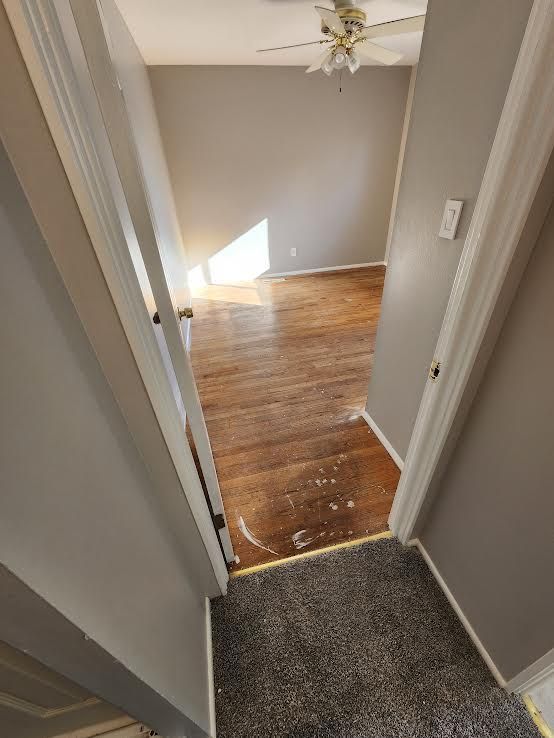
White oak with matte finish
In open-concept living areas
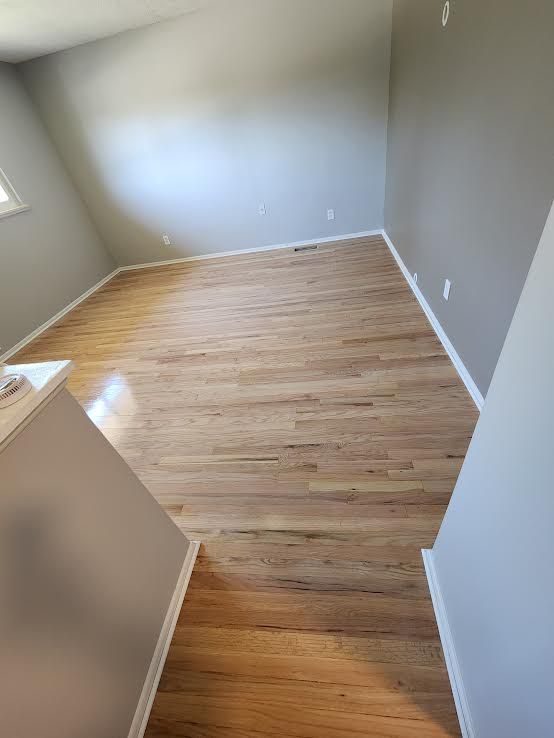
Espresso-stained hickory
For contrast against light cabinetry
Natural maple wide plank
For a modern, clean look
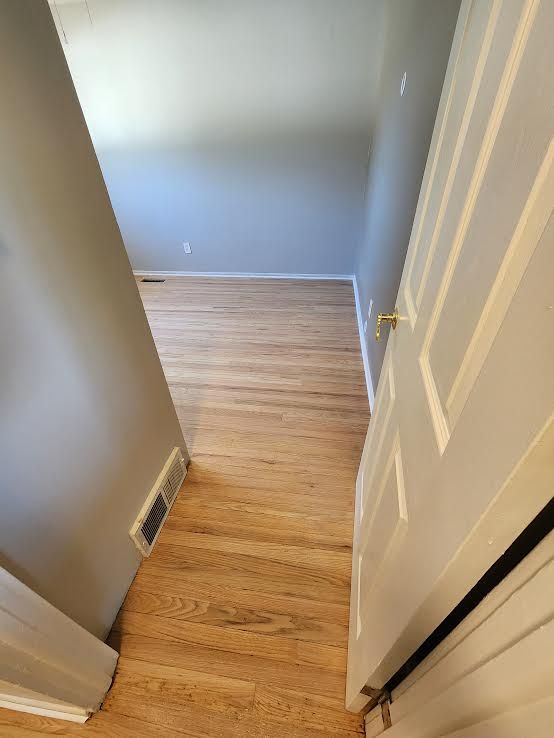
Textured LVP in gray wood tones
For basements and mudrooms
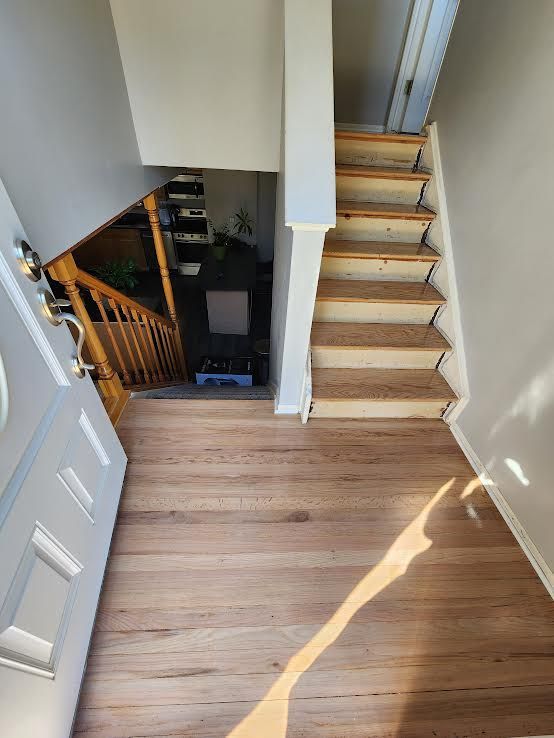
Satin-finish walnut
In formal dining spaces
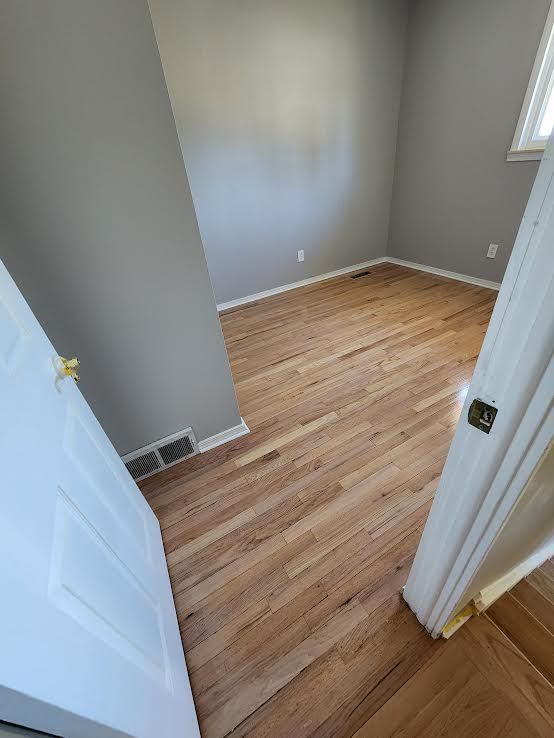
Light rustic oak
In farmhouse-inspired homes
Try these options and more in our visualizer to see what works best for your home.
Where to Access the Visualizer
You can launch our flooring visualizer directly from this website. Simply click the “Try the Visualizer” button located at the top of the page or in the main navigation.
Need help getting started? Our team can walk you through the process during your free in-home consultation and show you real samples that match your visualizer selections.
Use It With Your Next Project
Our visualizer works hand-in-hand with:
Hardwood Floor Installation
Floor Refinishing Projects (preview new stain options)
Carpet-to-wood conversions
Luxury Vinyl Plank Installation
Whole-home flooring upgrades
Many of our clients remove carpet as part of a complete flooring upgrade, but we’re happy to assist with standalone carpet removal jobs as well.
Serving Redford, MI and Surrounding Cities
Luxury Hardwood Flooring is proud to serve:
Redford
Livonia
Dearborn
Farmington Hills
Canton
Westland
Novi
Southfield
The greater Metro Detroit region
Whether you're planning to upgrade one room or an entire home, our team is here to make the process smooth from start to finish.
Ready to Visualize Your New Floor?
Try our flooring visualizer today and discover how easy it is to bring your flooring project to life — virtually.
And when you're ready to make it a reality, we're here to help with expert installation, refinishing, and repair services.
Location
Based in Redford, MI
Hours
Monday–Friday
8:00 AM to 5:00 PM